
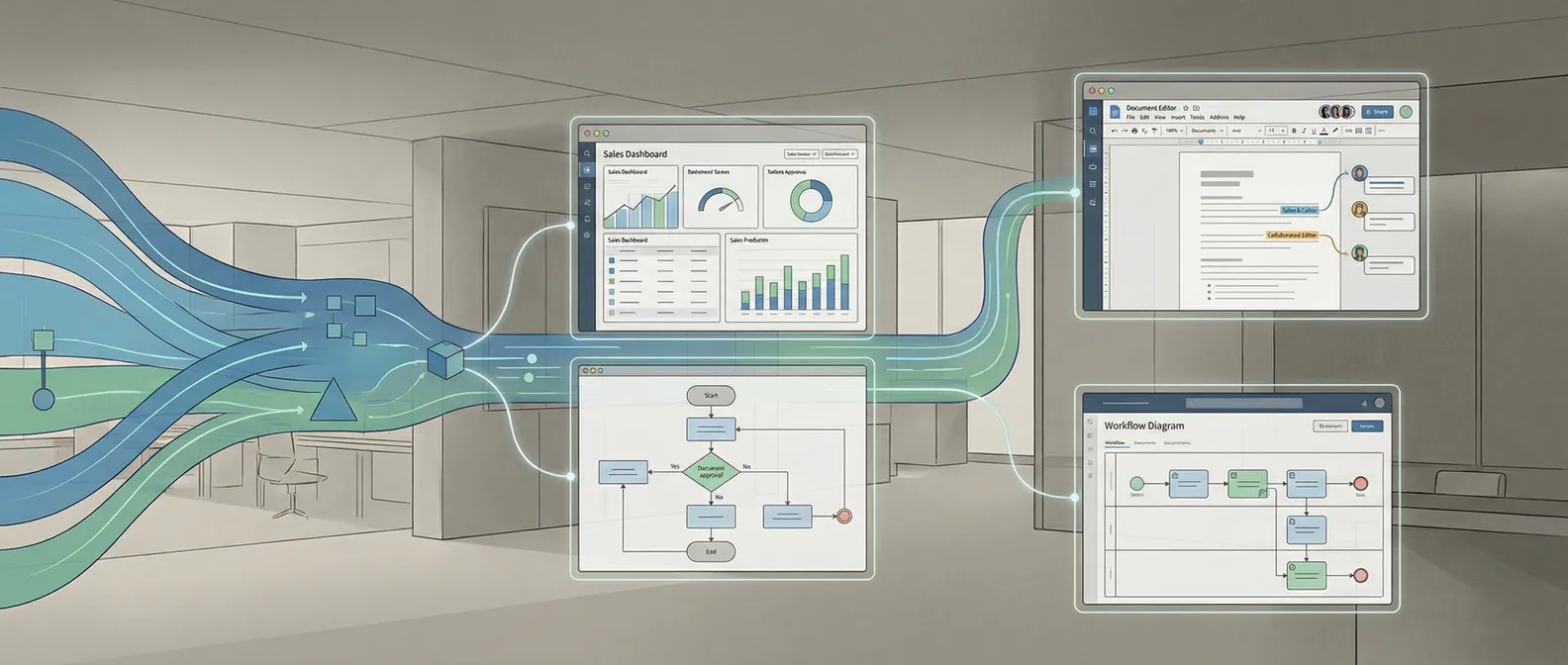
Most teams do not need "more AI." They need AI that fits into the systems they already run.
That sounds obvious, but it is where a lot of projects break.
The model demo looks good. The vendor says setup is simple. Then the real work starts. The workflow is messy, the source data is inconsistent, the handoffs between teams are unclear, and suddenly the problem is not "how do we use AI?" It is "how do we make this work inside the business we actually have?"
That is the job of AI integration services.
If you are evaluating partners, this is the frame I would use: do they know how to connect AI to your operating reality, or are they mostly selling model access with a services wrapper around it?
What AI integration services should actually include
At minimum, AI integration services should cover four things:
- workflow analysis
- systems and data integration
- production deployment
- operational ownership after launch
The first one matters more than people expect.
If a partner cannot describe the workflow in plain language, they are not ready to integrate anything. They need to know what triggers the process, what inputs matter, what output is useful, who reviews exceptions, and what happens when the system is wrong.
That last part is the one I keep coming back to. Every useful AI system will be wrong sometimes. A serious integration partner plans for that from the beginning. They do not treat failure handling like cleanup work for later.
The technical layer matters too. Can they connect to your CRM, ticketing platform, internal database, or document store? Can they deal with bad source data? Can they explain what runs synchronously and what should sit behind a queue? Can they tell you how they would observe the system once it is live?
If the answer stays vague, you are probably not buying integration. You are buying confidence.
The biggest mistake buyers make
Most buyers evaluate AI partners at the model layer.
They ask which models the team uses. They ask whether the partner has worked with agents, RAG, fine-tuning, or the latest framework. Those questions are not useless, but they are rarely the deciding factor.
The integration layer is usually where the risk lives.
That is also why broad platform shopping is often the wrong first frame. Custom AI build vs off the shelf is a better comparison when the real question is workflow fit.
I would care more about these questions:
- What systems do you need access to in week one?
- Where do you expect the data to be messy?
- What breaks if the AI output is wrong?
- Who inside our team will own this after launch?
Those answers tell you whether the partner understands the real job.
This is also why AI integration work often looks more like product and systems design than prompt engineering. The problem is usually not "make the model smarter." The problem is "make the workflow dependable enough that people will trust it."
That is a different skill set.
What to ask before you hire a partner
If I were hiring AI integration services, I would start with five direct questions.
1. What does your first two weeks look like?
You want a concrete answer here.
A good partner should be able to tell you what they are mapping, what systems they need to inspect, what assumptions they expect to test, and what artifacts come out of that early work.
If they jump straight to build timelines without talking about workflow discovery and system constraints, they are skipping the part that determines whether the build works.
2. Where do you expect the hard parts to be?
This is one of my favorite filters because it is hard to fake.
Experienced teams usually have a point of view right away. They will tell you the likely pain points are identity and permissions, data quality, exception handling, latency, review loops, or adoption by the people who currently do the work manually.
Inexperienced teams often answer with something generic about model performance.
Model performance matters. It is just not usually the first thing that kills the project.
3. How do you handle bad or missing data?
This is not a minor detail. It is the project.
The clean demo environment is almost never the production environment. Records are incomplete. Naming is inconsistent. Documents are stored in six places. The rules people follow are half written down and half sitting in someone's head.
Good integration partners expect that. They ask how the data is created, who changes it, and what fallback behavior is acceptable when the input is incomplete.
4. What does success look like after launch?
You need more than "the feature works."
Ask what gets monitored, what thresholds matter, who gets alerted, and what the rollback path is if the system behaves badly. If the partner cannot talk clearly about post-launch operation, they are still thinking like a prototype shop.
If you want a related checklist for evaluating the delivery side more broadly, how to evaluate an AI development partner covers the questions that reveal whether a team can actually ship.
5. What should not use AI here?
A strong partner will usually tell you part of the workflow should stay deterministic.
That is a good sign. In production systems, the best answer is often mixed architecture. Rules for the obvious cases. AI where judgment is actually needed. Human review where the downside of a mistake is high.
If everything in the proposal sounds like it needs a model, I would slow down.
What good AI integration work looks like in practice
Good integration work tends to be boring in the right ways.
It maps the workflow before it touches the model. It reduces the number of moving parts. It defines where the AI is allowed to make decisions and where it is not. It chooses reliability over novelty.
That is also why the best projects usually start smaller than buyers expect.
A focused integration into one workflow beats a broad "AI transformation" initiative almost every time. You learn where the data is weak. You see how operators respond. You find the edge cases. Then you expand from something real instead of from a slide deck.
We see the same pattern in automation work. The companies that move fastest are usually the ones that pick one painful workflow, define a measurable outcome, and build around the way their business already runs. How to automate a business process with AI goes deeper on that approach if you are still deciding where to start.
If you want a concrete example of how that looks in a document-heavy environment, AI automation for professional services reporting and review workflows shows the narrower path that tends to work first.
When AI integration services are the right buy
You probably need AI integration services if:
- you already know which workflow needs improvement
- the work depends on your internal systems or product stack
- an off-the-shelf tool almost works, but not quite
- the main risk is operational fit, not idea generation
You probably do not need them yet if the team still cannot answer what workflow is changing, who owns the outcome, or what a successful result would look like.
That is the line I would draw.
The best AI projects do not start with "we should add AI." They start with "this workflow is expensive, slow, or breaking, and here is what better would look like."
Once that is clear, integration becomes a real engineering problem. Before that, it is mostly speculation.
If you want a straightforward read on whether your use case is ready for integration work, book a discovery call. We can tell you where the integration risk actually is, and whether the next step is a build, a smaller pilot, or more scoping first.