
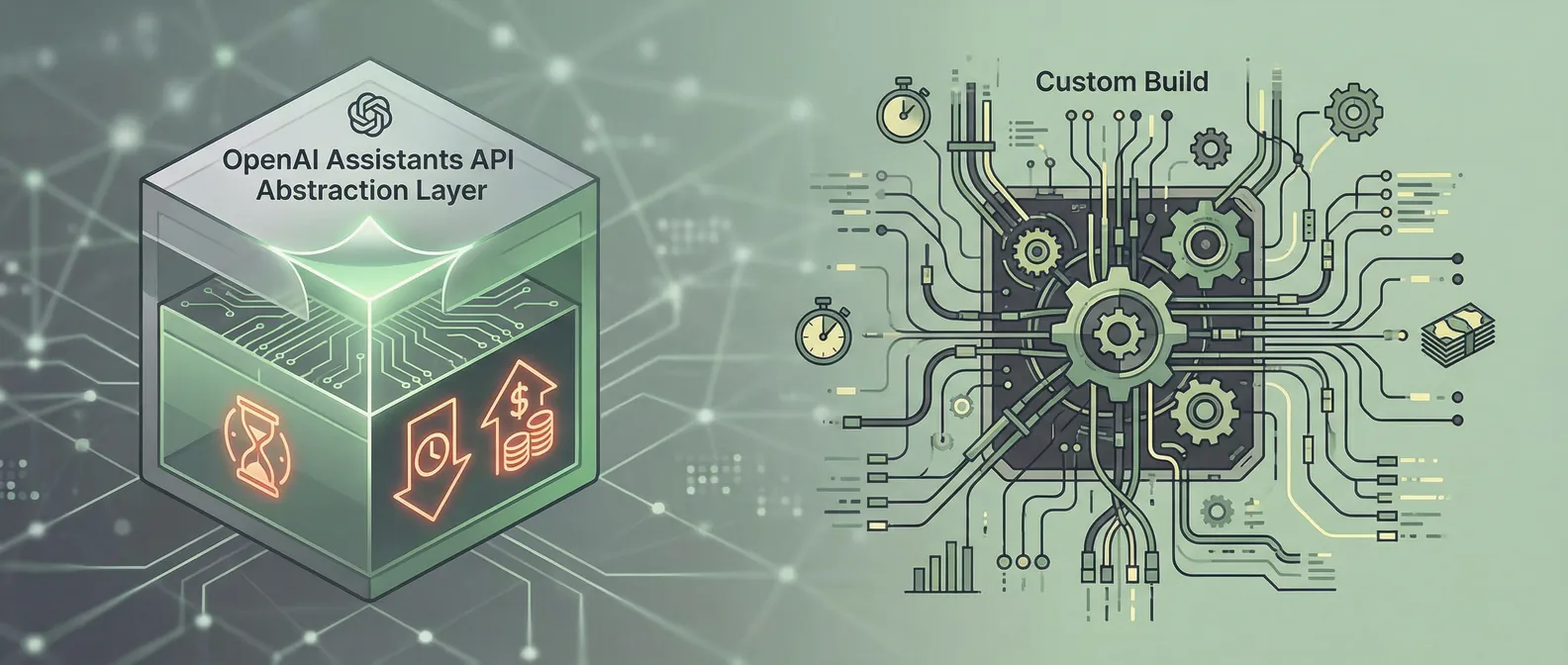
OpenAI Assistants API vs. rolling your own: where the abstraction costs you
When OpenAI released the Assistants API, it promised to handle the things that make production AI applications hard: persistent threads, file storage, tool calling, retrieval. For teams that had been building all of that infrastructure themselves, it looked like a significant shortcut.
We've built production systems using both the Assistants API and custom implementations. Here's our honest take on where each one fits, and where the Assistants API abstraction starts working against you.
What the Assistants API actually gives you
The appeal is real. For a certain class of applications, the Assistants API gets you to a working prototype faster than building from scratch.
What it handles well:
- Persistent threads. Conversation history is stored and managed by OpenAI. You don't build session management.
- File handling. Upload files, reference them in conversations. The API handles chunking and indexing for retrieval.
- Tool calling. Define functions your assistant can invoke; the API handles the back-and-forth of deciding when to call them.
- Built-in retrieval. The file search tool provides a retrieval layer without you having to set up a vector database.
For internal tools, quick prototypes, or applications where you don't need deep control over the retrieval strategy, this is genuinely useful. We've shipped internal tools using the Assistants API and been happy with the tradeoff.
Where the abstraction starts to cost you
The Assistants API works well until your requirements conflict with its opinions about how things should work. That happens more often than the documentation suggests.
Retrieval quality is a black box
The file search tool does retrieval, but you have no control over chunking strategy, embedding model, or retrieval parameters. For many production use cases, retrieval quality is the most important variable in the system. If your documents have specialized structure — technical tables, nested hierarchies, dense numeric content — the default chunking will often miss context that a custom strategy would preserve.
We've seen cases where the Assistants API retrieval gives acceptable results on simple queries but degrades significantly on complex ones because the chunking split a table header from its data, or divided a multi-step procedure across chunks that weren't retrieved together. With a custom vector database, you can tune exactly these parameters. With the Assistants API, you can't.
Latency is harder to control
Assistants API responses involve multiple round-trips: creating a run, polling for completion, retrieving the result. This polling pattern introduces latency variability that's difficult to control. For user-facing applications where response time matters, the unpredictability is a real problem.
Custom implementations can stream responses directly, control retry behavior precisely, and implement caching at specific layers. The Assistants API gives you less leverage here.
Costs can surprise you at scale
The pricing model for Assistants API includes token costs for threads and retrieval that add up in ways that aren't immediately obvious from a prototype. Long conversation threads accumulate context that gets re-processed on each message. File storage has per-token costs for the retrieval index.
At prototype scale this doesn't matter. At production scale with high conversation volume, the cost structure can look quite different from what you expected. Custom implementations give you much more precise control over what gets included in context, which directly controls cost.
Observability is limited
The Assistants API gives you run-level information but not the granular logging you need to debug production problems. When something goes wrong — a retrieval miss, an unexpected function call, a degraded response — you're working with limited visibility into what the system actually did.
Custom implementations let you log exactly what was retrieved, what was included in context, what tools were called and why, and how many tokens each component used. That observability is what makes production systems debuggable and improvable.
Vendor lock-in is real
Everything you build on the Assistants API is specific to OpenAI's implementation. Switching models, moving to a different provider, or migrating to a self-hosted infrastructure means rebuilding the application logic around a new framework.
For many applications this isn't a problem. For anything where model flexibility or infrastructure portability matters — competitive sensitivity, cost optimization as the market evolves, regulatory requirements around data residency — the lock-in is a genuine risk to weigh.
How we decide which to use
The Assistants API is the right call when:
- Speed to working prototype is the top priority
- The use case is relatively straightforward (conversational tool, document Q&A with standard docs)
- The team doesn't have bandwidth to build and maintain retrieval infrastructure
- The application is internal-facing and production reliability requirements are moderate
Custom implementation is the right call when:
- Retrieval quality is critical and document structure is complex
- Response latency has to be fast and predictable
- You need full observability for debugging and improvement
- Cost at production scale is a real constraint
- You need model flexibility or infrastructure portability
A practical middle ground: start with the Assistants API to validate the use case and get to something working. When you hit the limitations — and you'll know when you do — migrate to a custom implementation with the retrieval and orchestration control you actually need. The migration is real work, but doing it after you've validated the use case is usually better than over-engineering for requirements you haven't confirmed yet.
The honest summary
The Assistants API is a good tool for the right job. It's not a production shortcut for systems where retrieval quality, latency, cost, or observability are hard requirements. If any of those matter significantly for your use case, the abstraction costs you more than it saves.
If you're evaluating which approach makes sense for what you're building, book a discovery call — we're happy to give you a direct opinion on your specific situation.