
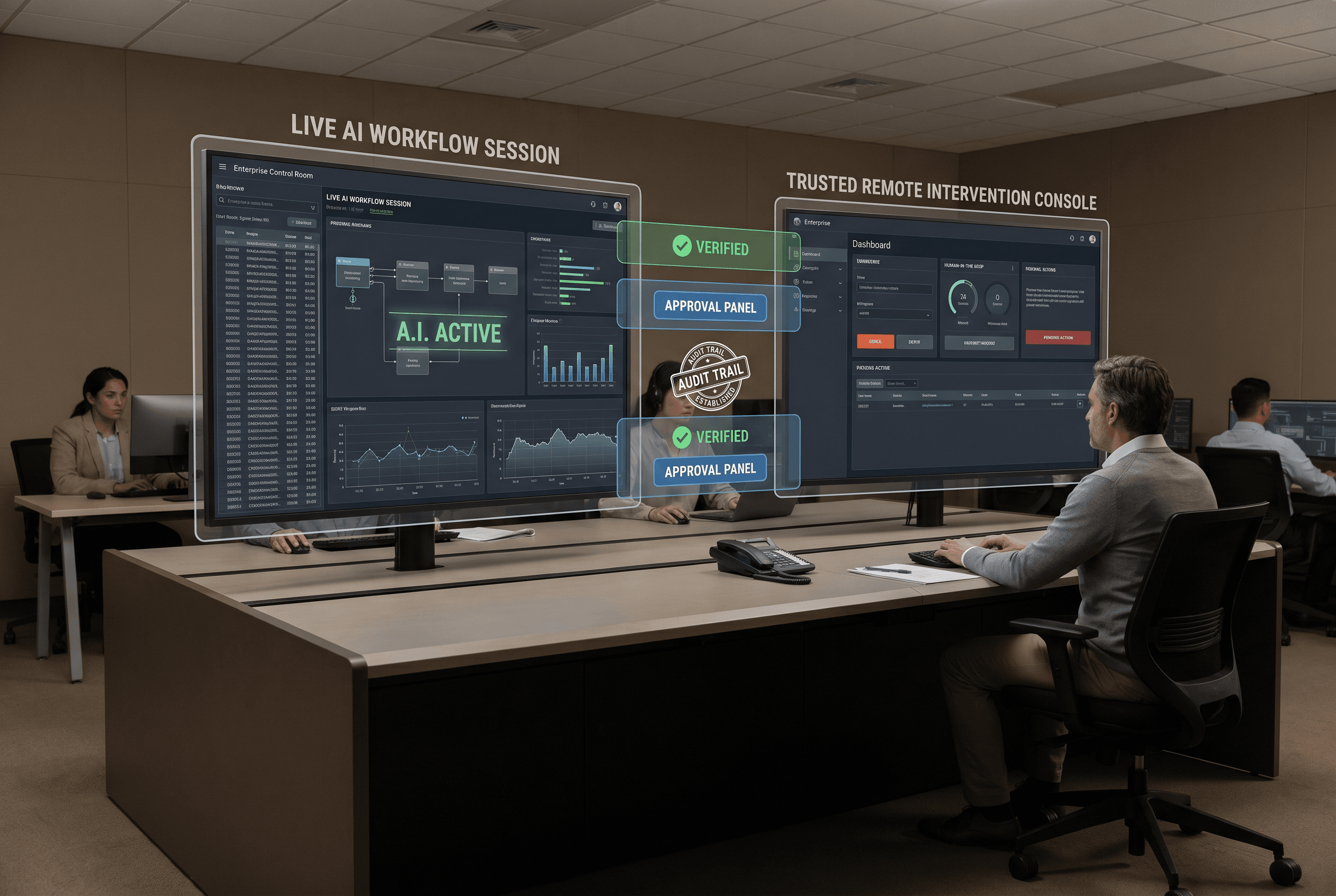
There is a category mistake I keep seeing in AI rollout conversations.
Teams treat remote steering like a convenience feature.
The workflow is useful. Someone wants to watch it live. Someone else wants the option to step in if the run goes sideways. A team lead wants to take over from home if a production task starts drifting. It all sounds practical, so the access gets added fast.
Then nobody slows down long enough to ask the harder question.
What trust model now applies to the person who can intervene?
If a workflow can be watched, steered, or taken over remotely, I do not think that should be governed like a harmless UI feature. I think it should be governed like privileged access.
Remote control changes the risk, even when the workflow itself stays the same
This is the important distinction.
The workflow may not have changed at all. Maybe it still touches the same tools, reads the same documents, and writes to the same system it touched yesterday.
But remote intervention changes who can influence that run, from where, and under what proof.
That means the real question is no longer only "what is this workflow allowed to do?"
It is also:
- who can step into a live run
- from which trusted device or session
- with what level of authority
- under which approval path
- and with what evidence left behind afterward
If those answers are vague, the business has remote convenience. It does not have remote trust.
Serious platforms are starting to treat remote AI work more like privileged infrastructure
The cleanest current proof point is Anthropic's 06/25/2026 update.
Its release notes added Trusted Devices for Remote Control, which lets Team and Enterprise admins require device verification before someone views or steers local Claude Code sessions remotely.
Anthropic had already been tightening the same control surface a few weeks earlier. Its 05/28/2026 release notes added connector permissions to custom roles, including control over which connectors and individual connector tools are available to each role.
That combination matters.
Remote viewing and steering are not being treated like lightweight collaboration features anymore. They are being pulled into the same broader control surface as device trust and scoped permissions.
That lines up with the wider market direction.
OpenAI is moving the same way in a different admin surface. Its 07/06/2026 workspace agent rollout added per-app action safeguards, plus admin controls over agent building, publishing, and Slack usage. Google made the same governance shift explicit in Gemini Enterprise on 06/25/2026 with Agent Registry and Agent Gateway allow and deny policies for agents and MCP servers, then made observability for agents generally available on 06/24/2026. Microsoft keeps making the broader point that the system around the model is what turns AI into governed, reviewable work.
Different products. Same signal.
The market is getting less casual about who can intervene in AI work and how that intervention is controlled.
A remote operator can become part of the workflow's authority model
This is where teams still underrate the risk.
When someone can remotely watch or steer a live workflow, that person is no longer standing outside the system. They become part of the system's authority model.
That means their device posture matters.
Their role scope matters.
The conditions under which they can take over matter.
The evidence that survives after they act matters.
If a finance workflow, support workflow, or document-review workflow can be nudged by a remote operator, that operator should not inherit access just because they were nearby when the feature was enabled.
The business should know whether that person is allowed to observe only, suggest only, pause a run, resume it, override a decision, or directly steer live execution. Those are different powers. Too many teams blur them together.
"We trust the team" is not a control model
I hear versions of this all the time.
The operator is senior. The team is small. Everyone is acting in good faith. The workflow has not caused trouble yet.
None of that answers the real operating question.
If trust breaks, what narrows first?
Does remote control get shut off by default for some roles?
Do only specific devices stay eligible?
Does live-system takeover require a second approval?
Can the team reconstruct exactly who intervened and what changed during the session?
Those are the questions that matter after an ugly run. If the answers only appear once there is already a problem, the control model is late.
A clean remote-control policy is usually narrower than teams expect
The safest production setups are rarely the most permissive ones.
They usually start smaller.
One set of roles can observe. A smaller set can steer. An even smaller set can take over when live writes are involved. Trusted devices are named up front. High-risk runs trigger tighter rules than low-risk ones. Intervention leaves a reviewable trail.
That may feel heavy if the team is still thinking about AI in demo mode.
It feels normal once the workflow touches customer operations, finance, compliance, or any system that creates real cleanup work when a session goes wrong.
This is the same pattern mature teams apply elsewhere. They do not say, "we trust the engineer, so production access can stay fuzzy." They define the access model because trust matters.
Remote AI work should get the same treatment.
The practical checklist I would use before allowing remote steering
Before a team turns on remote watching, steering, or takeover for a live workflow, I would want five plain answers.
- Which roles can observe a live run remotely?
- Which roles can steer or take over the run?
- Which devices or sessions are trusted enough for that access?
- What extra approval is required before remote intervention can affect live systems?
- What logs, timestamps, and action history will survive after the session?
If a team cannot answer those quickly, I do not think it has a production-ready remote control model yet.
It has a convenience path.
That is not the same thing.
The real shift
Remote AI work now needs the same trust model as any privileged system.
That does not mean every workflow needs a giant security program around it. It means the business should stop pretending remote intervention is neutral. Once a person can step into a live run, their identity, device, authority, and evidence trail become part of the production system.
That is why the recent platform moves matter. They are not random admin polish. They reflect the same conclusion more buyers are reaching on their own.
If remote AI work can influence live outcomes, the surrounding trust model needs to be explicit before the bad run, not written after it.
If your team is deciding who should be allowed to watch, steer, or take over a live AI workflow, and what controls should exist before that happens, book a discovery call here:
https://calendly.com/martintechlabs/discovery
FAQ
Why should remote AI control be treated like privileged access?
Because once someone can watch, steer, or take over a live workflow, that person can influence real system behavior. The business needs the same kind of trust model it would expect for any other privileged operational path.
What controls matter most for remote AI intervention?
The most important controls are role scope, trusted device verification, clear takeover rules, and logs that show who intervened, when they did it, and what changed.
Why is remote steering different from a normal AI approval step?
An approval step says whether a workflow may continue. Remote steering changes who can actively influence the run in real time, which raises a different set of trust and audit questions.
How can a team tell whether remote AI access is production-ready?
The team should be able to name which roles can intervene, which devices are trusted, what extra approval is needed for live-system actions, and what evidence survives after the session.