
Most bad AI agents fail for a boring reason: nobody gave them a real job.
The team says, "We need an AI assistant for customers," or "We need an agent for operations." Then the build starts around the model, the chat interface, and the tool stack.
That feels like progress. It usually is not.
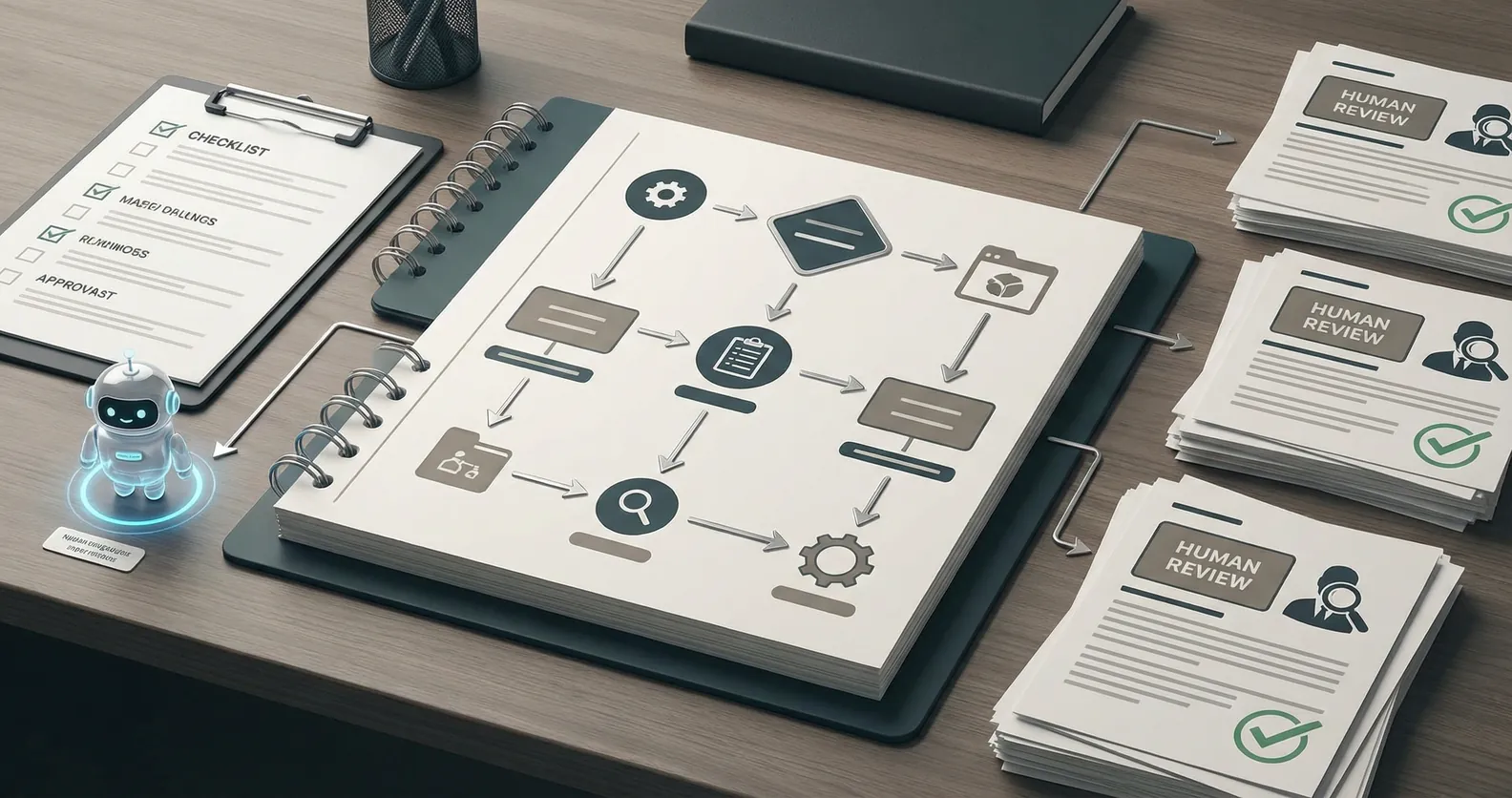
Before you pick a model or wire up a tool, write the job description. A useful AI agent needs the same clarity you would give a new hire doing sensitive work: what it owns, what it can touch, when it stops, and who reviews the output.
If you cannot write that down, you are not ready to build an agent yet.
The mistake: building a helpful generalist
"Helpful" sounds good until it reaches production.
A helpful generalist tries to answer everything. It guesses intent, improvises across edge cases, and keeps going when the work should be escalated. In a demo, that can look impressive. In a live business workflow, it creates risk.
Think about a support agent for a service business. Should it answer contract questions? Should it reschedule appointments? Should it promise a refund? Should it diagnose a technical issue? Should it route urgent cases differently after hours?
Those are not model questions. They are operating decisions.
The agent should not decide them on the fly. The business should.
A job description makes the agent smaller
This is the part many teams resist. A good AI agent is usually narrower than the first idea.
That is a feature.
Narrow agents are easier to test. They have cleaner failure modes. They are easier for staff to trust because people know what the system is supposed to do.
For example, "customer service agent" is too broad.
"After-hours intake agent for new support requests" is much better.
That agent has a clear shift. It collects the customer name, account, issue type, urgency, and preferred follow-up time. It checks existing documentation. It drafts a response if the issue fits an approved category. It escalates anything involving billing, safety, legal risk, or an angry customer.
That is buildable. More importantly, it is testable.
What to put in the job description
Start with ownership.
What workflow does the agent own from start to finish? If the answer spans three departments and seven systems, tighten the scope. Pick one repeatable slice of the work.
Then define the inputs. What information does the agent receive? Where does it come from? Is the input a form submission, a support ticket, an email, a CRM record, a document, or a transcript?
Next, define the allowed tools. Can it read from the CRM? Can it write to it? Can it create a ticket? Can it send a customer-facing message, or only draft one for review?
Then write the stop rules. This is where many projects get better quickly.
Stop when confidence is low. Stop when required data is missing. Stop when the customer asks about a restricted topic. Stop when the action would change money, commitments, access, or legal exposure. Stop when the system sees a category it has not been trained or approved to handle.
Finally, define the handoff.
Who gets the alert? What context do they receive? What should already be summarized? What link should take them back to the source record? How will the human decision be logged so the system can improve later?
This is not bureaucracy. This is the actual product work.
The minimum viable agent spec
You do not need a giant requirements document. A one-page spec is enough for most first builds.
Include:
- The agent's job in one sentence
- The workflow it owns
- Inputs and source systems
- Tools it can use
- Actions it can take without approval
- Actions that always require human review
- Escalation triggers
- Success metrics
- A short test set with normal cases and ugly edge cases
The test set matters. If the agent only works on clean examples, you have built a demo. Add messy inputs, missing fields, contradictory instructions, angry customers, duplicate records, and weird edge cases from the real workflow.
That is where you find out whether the agent is ready.
What success should look like
Do not measure the agent by whether it sounds smart.
Measure whether the workflow improves.
For an intake agent, that might mean faster first response, fewer missed tickets, cleaner routing, and less time spent gathering basic context. For an internal reporting agent, it might mean fewer manual spreadsheet updates and fewer status meetings spent asking for the same numbers.
The metric should tie back to the work, not the model.
This keeps the team honest. If the agent writes elegant answers but does not reduce waiting, errors, rework, or cycle time, it is not working.
Start boring
The best first AI automation projects are often unglamorous. Support triage. CRM cleanup. Invoice routing. Follow-up drafts. Internal report assembly.
That is fine. Boring workflows are easier to scope and easier to measure.
Once the business trusts one narrow agent, you can expand the system. Add another workflow. Add another tool. Connect handoffs. Build a small network of agents only when the operating model calls for it.
But start with the job.
If you are considering an AI agent for your business, write the job description first. If it is hard to write, that is the signal. The next step is not prompt engineering. It is workflow design.
Want help scoping the first version? Book a discovery call: https://calendly.com/martintechlabs/discovery