
Replit Deployment Keeps Failing? How Founders Should Triage It Before Launch Slips Further
A practical rescue guide for founders whose Replit app works in development but keeps breaking on deploy, right when launch pressure is getting real.
If your Replit app works in development and breaks every time you deploy, the problem usually is not Replit alone. It is usually a signal that the product, workflow, or architecture has crossed from prototype assumptions into production reality. The fastest path back is to decide whether you are dealing with one patchable deploy bug or a broader production-readiness gap.
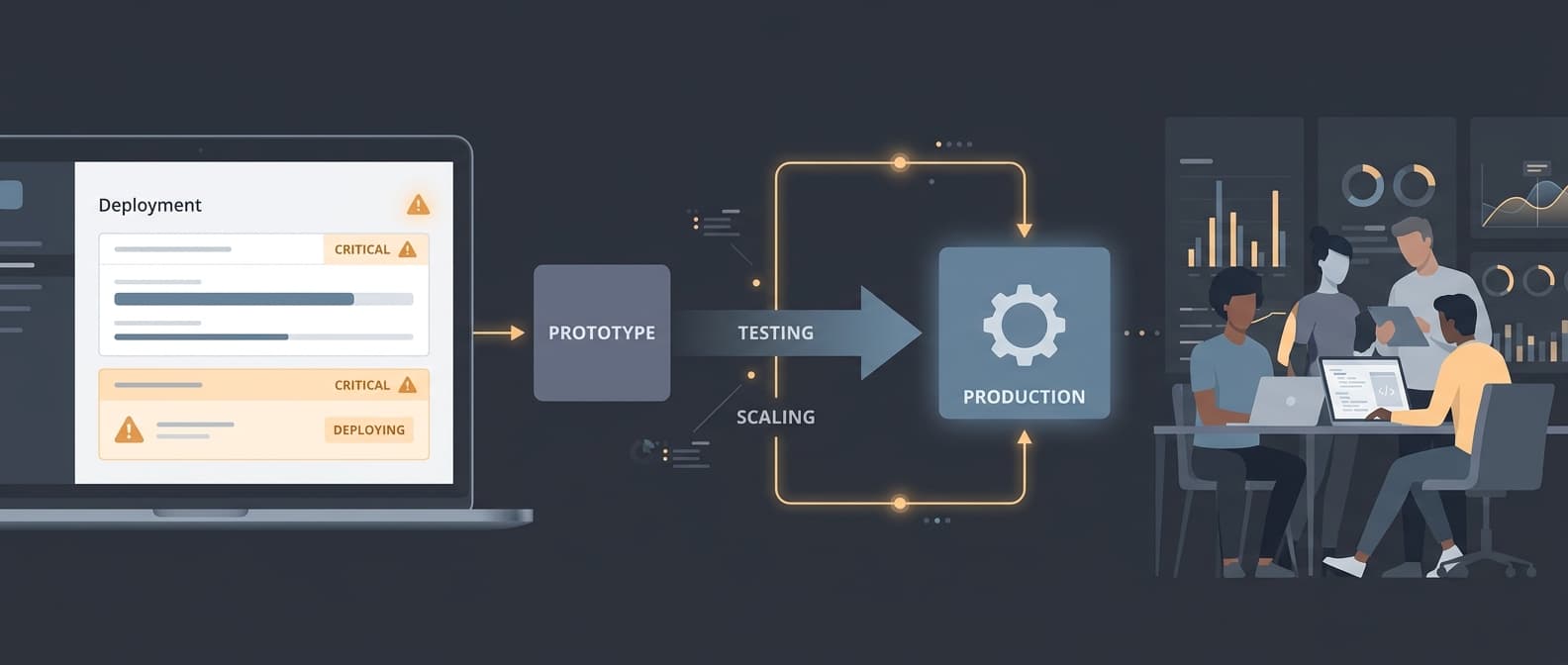
The deploy technically completes, but auth, callbacks, or user sessions break as soon as real users hit the production host.
Environment variables, provider credentials, or storage behavior work locally and drift once the app is deployed.
Background jobs, polling loops, or long-running tasks feel stable in development and fall apart after release.
Each production fix exposes another failure path, so the team is debugging a different symptom every deploy.
Write the exact failure in one sentence and confirm whether the deployed app breaks the same way every time.
Compare local and deployed environment variables, callback URLs, provider credentials, database access, and storage assumptions side by side.
Find the first failing log line in the request or job lifecycle instead of chasing the fifth downstream error.
Check whether webhooks, retries, timeouts, or background work depend on behavior that only existed in development.
The prototype depended on local defaults, missing secrets, or development-only URLs that were never hardened for production.
Auth, persistence, or file-handling paths behave differently once the app runs behind the real production host.
Background work and long-running tasks were added without durable job handling, idempotency, or clear timeout boundaries.
The team is patching symptoms without a reproducible deployment failure model, so every fix reveals another fragile assumption.
Separate the immediate config bug from the structural production-readiness gaps so the team stops treating everything as one fire.
Tighten deployment inputs first: environment variables, callback URLs, provider credentials, and persistence boundaries.
Make background work explicit with durable job handling, retry rules, and clear ownership for side effects.
Define the smallest architecture reset that gets the product back to a stable launch path instead of stacking more patches onto the prototype.
Escalate when the system is already lying
Once event history is untrusted, debugging slows down fast. That is when a short rescue engagement earns its keep.
Launch, onboarding, revenue, or investor timelines are moving because the team no longer trusts deploys.
Fixes are hard to reproduce cleanly and auth, storage, or background work keep breaking in different ways.
The app needs manual babysitting after release and nobody can explain what the next safe deployment path is.
Supporting reads and next steps
Use the linked service overview and supporting editorial to decide whether you still need validation or you are ready to ship.
FAQs
Short answers for the questions that usually come up once the problem is real.
Want to see if this is right for your team?
If I'm not the right person, I'll say so.
Related pages
Follow the next most relevant path based on the same decision, workflow, or rescue pattern.